Consistent engagement
Repeatable Memory Sessions staff can run confidently across shifts, teams, and activity spaces.
Evidence-based Reminiscence Therapy for residential care
Memory Bright helps assisted living and memory care communities deliver consistent, person-centered Memory Sessions. Start quickly with Feature Albums, support groups with Story and Auto Play, and personalize care with each resident’s Life Album.
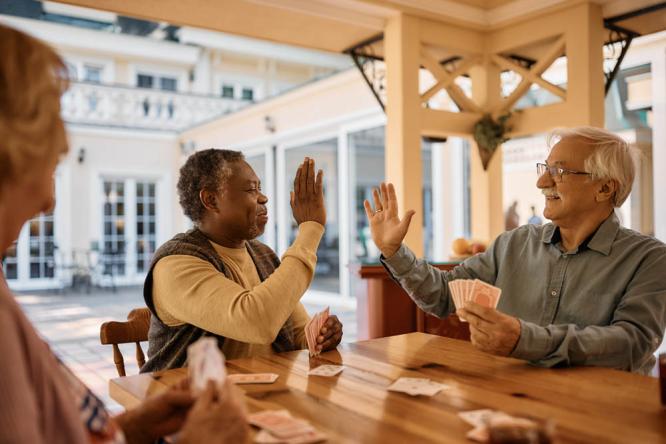
Designed for the way you deliver care
Create repeatable programming while preserving the personal histories and preferences that make each resident unique.
Repeatable Memory Sessions staff can run confidently across shifts, teams, and activity spaces.
Use Story and Auto Play for common areas, scheduled programs, and calming routines.
Combine Feature Albums with Life Albums to reflect each resident’s history and preferences.
Send positive moments directly from the Partner Dashboard and help families see person-centered care in action.
A simple community workflow
Use a practical mix of group sessions, individual moments, quick-start content, and family-supported personalization.
Choose curated content that works immediately and rotate themes by season or resident interest.
Use Story for guided playback or Auto Play for hands-free comfort in common areas.
Add Life Albums and use Explore or Game during one-to-one engagement.
Review what is used, what resonates, and when participation is strongest.
Memory Bright applies Reminiscence Therapy principles through familiar prompts and structured activities. It complements—not replaces—the care plan, clinical record, or professional judgment.
Explore the evidence →Flexible engagement modes
The same content can support guided programs, quiet routines, facilitated conversation, and personalized visits.
Calm playback of photos and voices for group viewing and conversation prompts.
Familiar content for common areas, welcoming atmospheres, and late-day routines.
Staff-guided browsing that encourages storytelling and resident-to-resident connection.
Family photos, voices, videos, interests, and stories centered on one resident.

Family Updates • Built into the Partner Dashboard
From the Partner Dashboard, authorized staff can add a photo, video, or story to a resident’s Life Album, include a short message, and send the update to selected family subscribers in a few clicks. Families receive a positive window into community life while the resident’s album continues to grow.
No manual family email needed. Memory Bright sends the update directly from the Partner Dashboard to the selected subscriber list.
Family Updates support positive family engagement. They do not replace required care documentation, incident reporting, or urgent communication.
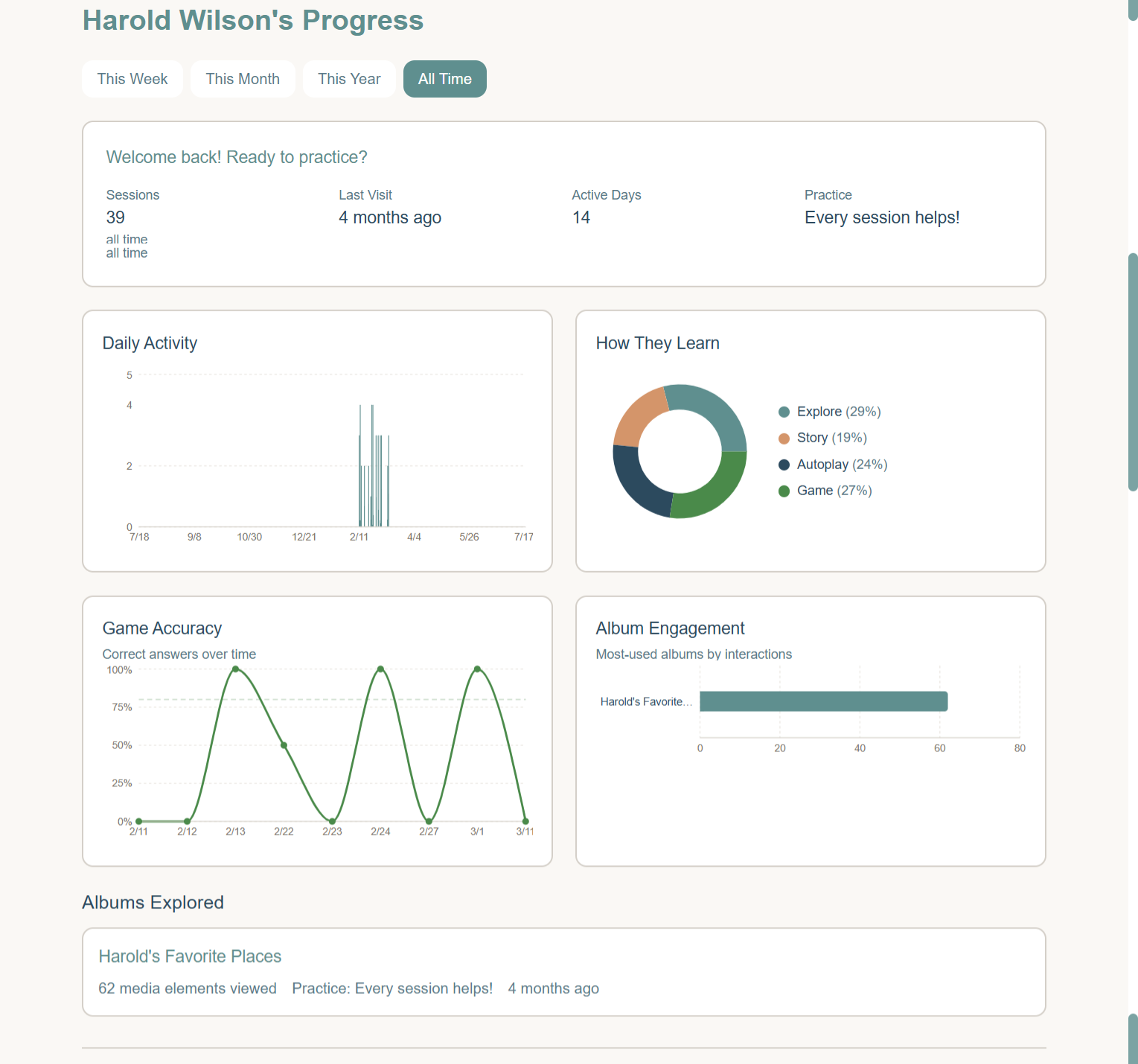
Visibility that supports better routines
Available usage information can help activity leaders and care teams identify useful content and routines while giving families meaningful visibility into engagement.
A thoughtful rollout
A structured pilot can include staff onboarding, family invitations, quick-start templates, defined goals, and a review before you decide how to scale.